On this page
A live wallpaper is a moving background for your phone's home screen and, on some phones, the lock screen. Instead of a still image, it shows an animation, an effect that reacts to touch, or a video. On Android, live wallpapers are a built-in system feature, and apps can provide their own.
How a live wallpaper works on Android
On Android, a live wallpaper is a small program, not a picture file. The program draws the wallpaper on the screen, frame by frame. Android tells it when the wallpaper is visible and when it is hidden, so it can pause when you cannot see it.
Live wallpapers come from two places:
- Built into the phone. Many phone makers include their own live wallpapers, for example animated landscapes or effects that move when you unlock the phone.
- Apps. Apps from Google Play can add live wallpapers. A video wallpaper app is one type: it plays a video as the live wallpaper.
Live wallpaper vs video wallpaper vs GIF vs Live Photo
| Live wallpaper | Video wallpaper | GIF wallpaper | Live Photo wallpaper | |
|---|---|---|---|---|
| What it is | Any moving wallpaper made by a program | A video file played as a live wallpaper | A short animated image file | A photo with a short motion clip |
| Platform | Android (also other systems) | Android | Depends on the app | iPhone (similar motion photos on Android) |
| Content | Animations, effects, 3D scenes or video | Your own clips or downloaded videos | Short loops, usually without sound | Moments captured with the iPhone camera |
| Sound | Rarely | Possible, if the app supports it | No | Not as wallpaper |
| Quality | Depends on the wallpaper | Up to the video's resolution | Limited colours, often low resolution | Photo quality |
| Interaction | Some react to touch or tilt | Plays and loops | Plays and loops | Moves on the lock screen |
In short: every video wallpaper on Android is a live wallpaper, but not every live wallpaper is a video.
Video wallpaper
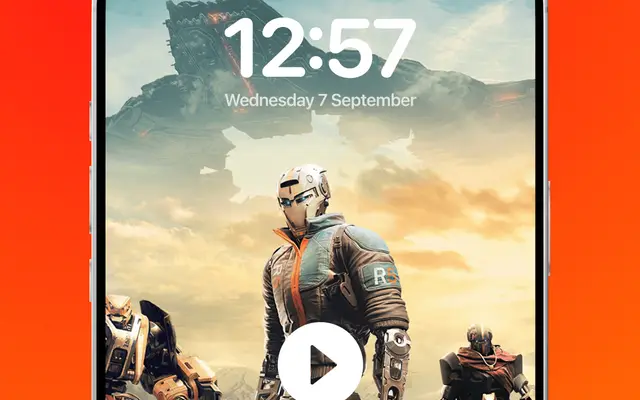
A video wallpaper is the most personal kind of live wallpaper. You can use a clip from your own gallery: your pet, a beach, rain on a window. The video plays in a loop behind your icons.
The Video Live Wallpaper app by Smart App Craft is an Android app of this type. It has a Set Video Wallpaper button that applies a video as your wallpaper. The steps are on the page about how to set a video as wallpaper.
GIF wallpaper
A GIF is an old image format for short animations. GIFs have no sound, a limited number of colours and often a low resolution. For a moving wallpaper, a short video usually looks better and has a smaller file size than a GIF of the same length.
According to the developer, the Video Live Wallpaper app works with video files, not GIF files. If you have an animation as a GIF, look for the same content as a video.
Live Photos (iPhone)
Live Photos are an iPhone camera feature: a photo with a short clip from just before and after the moment you take it. On an iPhone, a Live Photo can be used as a lock screen wallpaper on some iOS versions. Live Photos are Apple's format. Many Android phones have a similar camera feature, often called motion photos, and some apps, such as TikTok, use the name "Live Photo" for their own wallpaper format. The Video Live Wallpaper app is for Android only and is not available on iPhone. It uses video files.
Other names for live wallpapers
Phone makers and apps use different names for the same idea:
- Animated wallpaper
- Moving wallpaper
- Dynamic wallpaper
- Motion wallpaper
- 3D wallpaper (often with a depth or tilt effect)
Advantages and disadvantages
Advantages:
- A personal, moving home screen.
- Your own videos and memories as a wallpaper.
- Many styles, from calm nature scenes to abstract effects.
Disadvantages:
- More battery use than a still image, mainly while the wallpaper is visible. The page about live wallpaper and battery explains how much depends on the video and the phone.
- Busy wallpapers can make icons harder to read.
- Some phones limit live wallpapers on the lock screen.
How to choose a live wallpaper app
If you want to use your own videos, check whether the app supports your clips, sound, the lock screen and fit-to-screen options. The guide to choosing a video wallpaper app lists what to look for.